01Quiet. Clear. Developer-first.
 Explore the website ↗
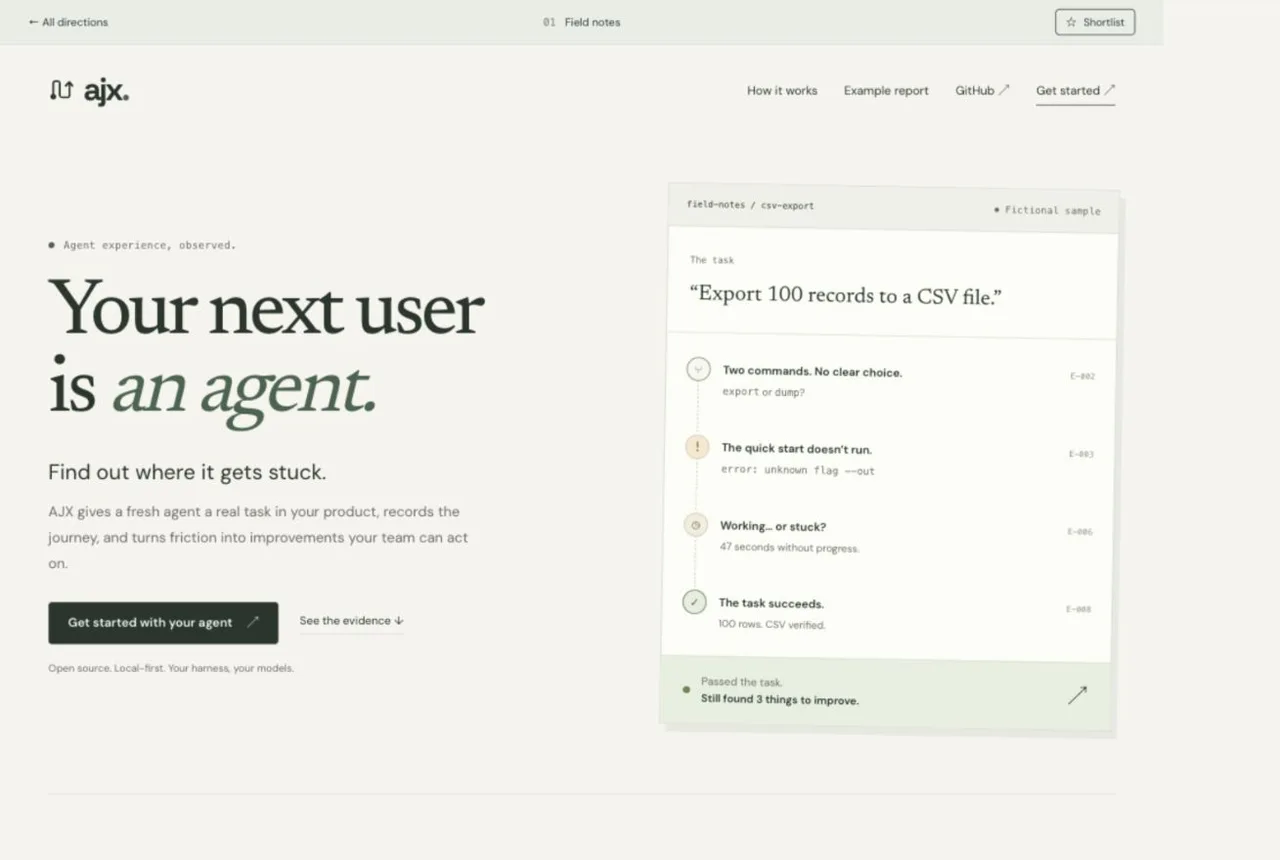
Field notes
Pi + OpenCodeEditorialCalm
An editorial, open-source feel. Warm paper, restrained green, and clear instructions
that get out of your way.
The shortest route from “what is this?” to a first run.
02Technical. Interactive. Proof-first.
 Explore the website ↗
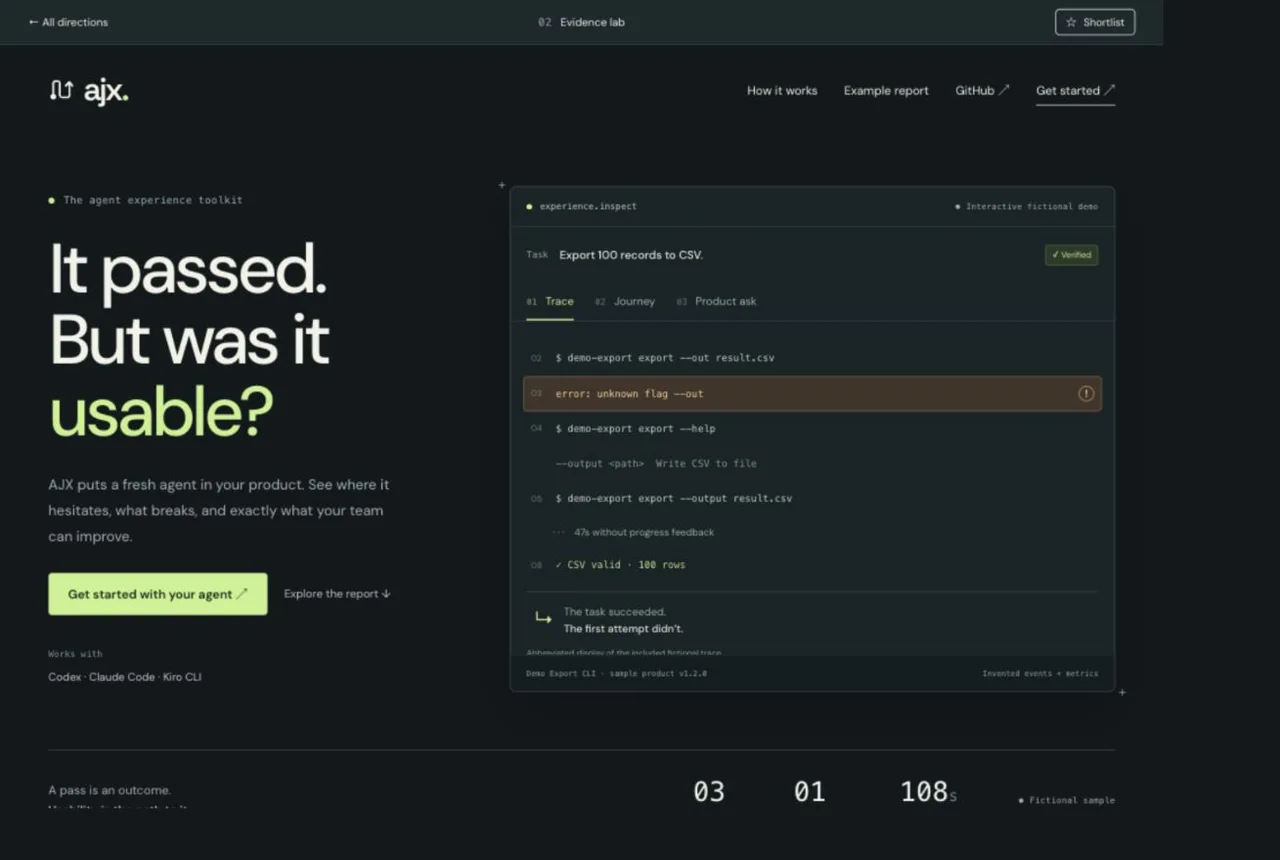
Evidence lab
ImpeccableInteractivePrecise
A technical workbench. Explore a trace, follow the journey, and see the product ask it
produces.
Let the evidence explain the value before you install.
03Expressive. Curious. Memorable.
 Explore the website ↗
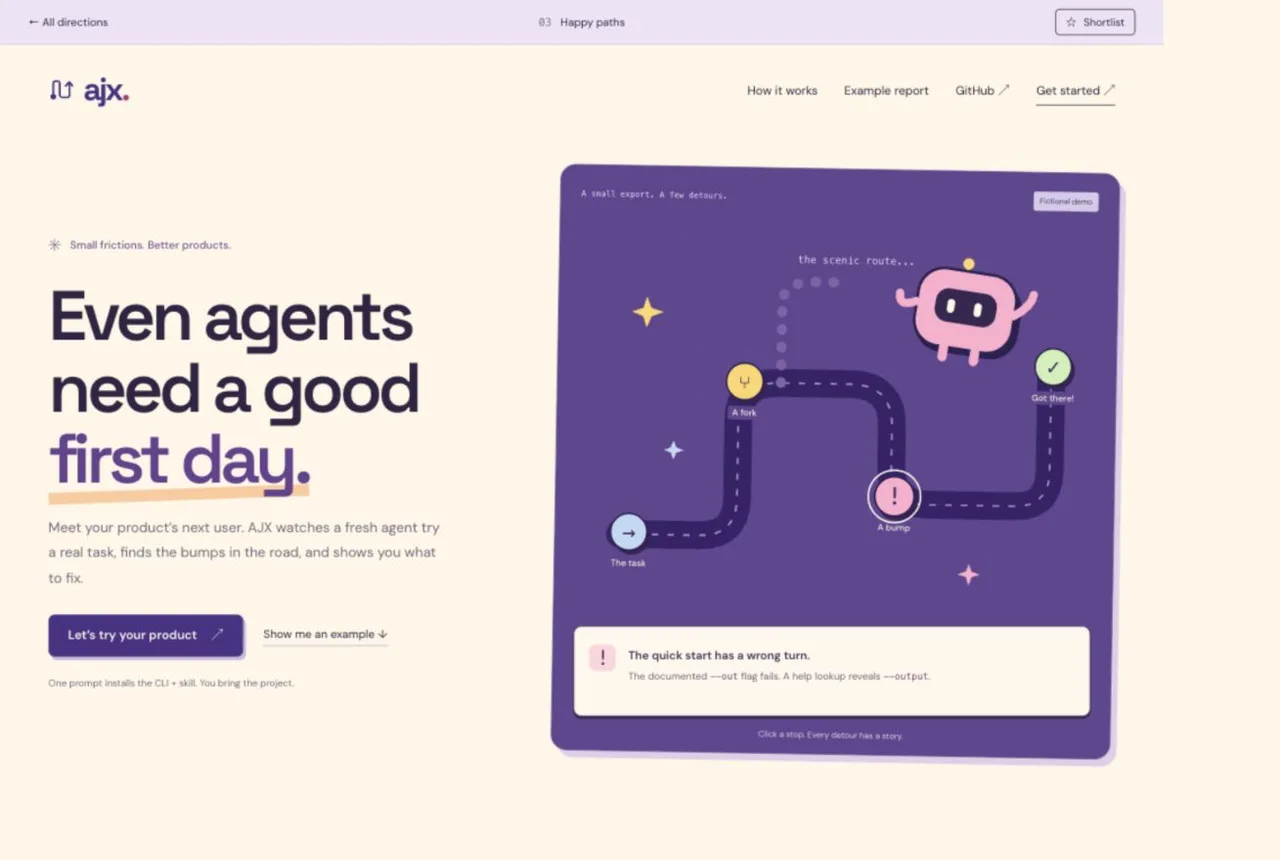
Happy paths
CharmIllustratedExpressive
A friendly expedition. An original agent character and a branching map make friction
feel tangible.
Make the product and its purpose easy to remember.
04Direct. Monospaced. Hands-on.
 Explore the website ↗
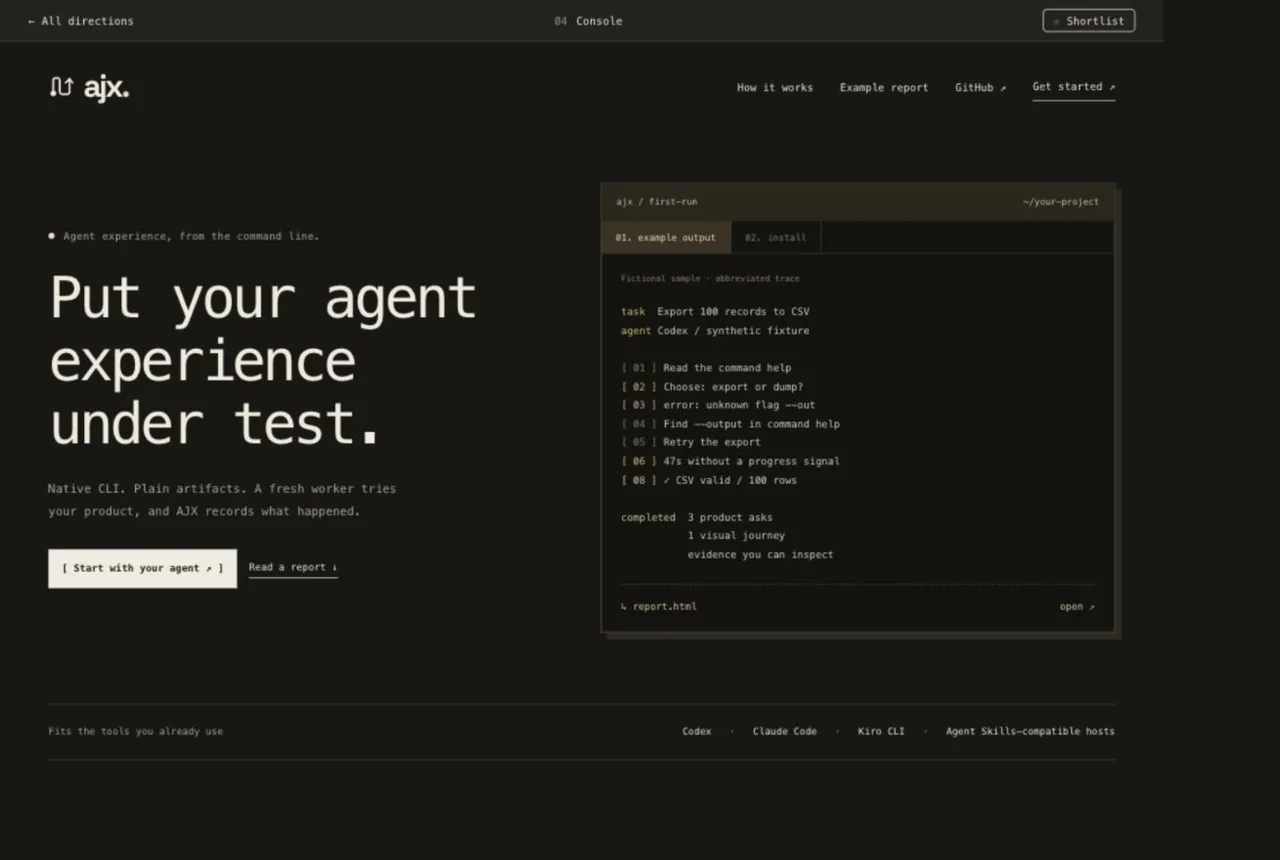
Console
OpenCodeTerminal-firstDirect
Native CLI. Plain artifacts. A fresh worker tries your product, and AJX records what
happened.
Start at the terminal. Leave with something your product team can fix.
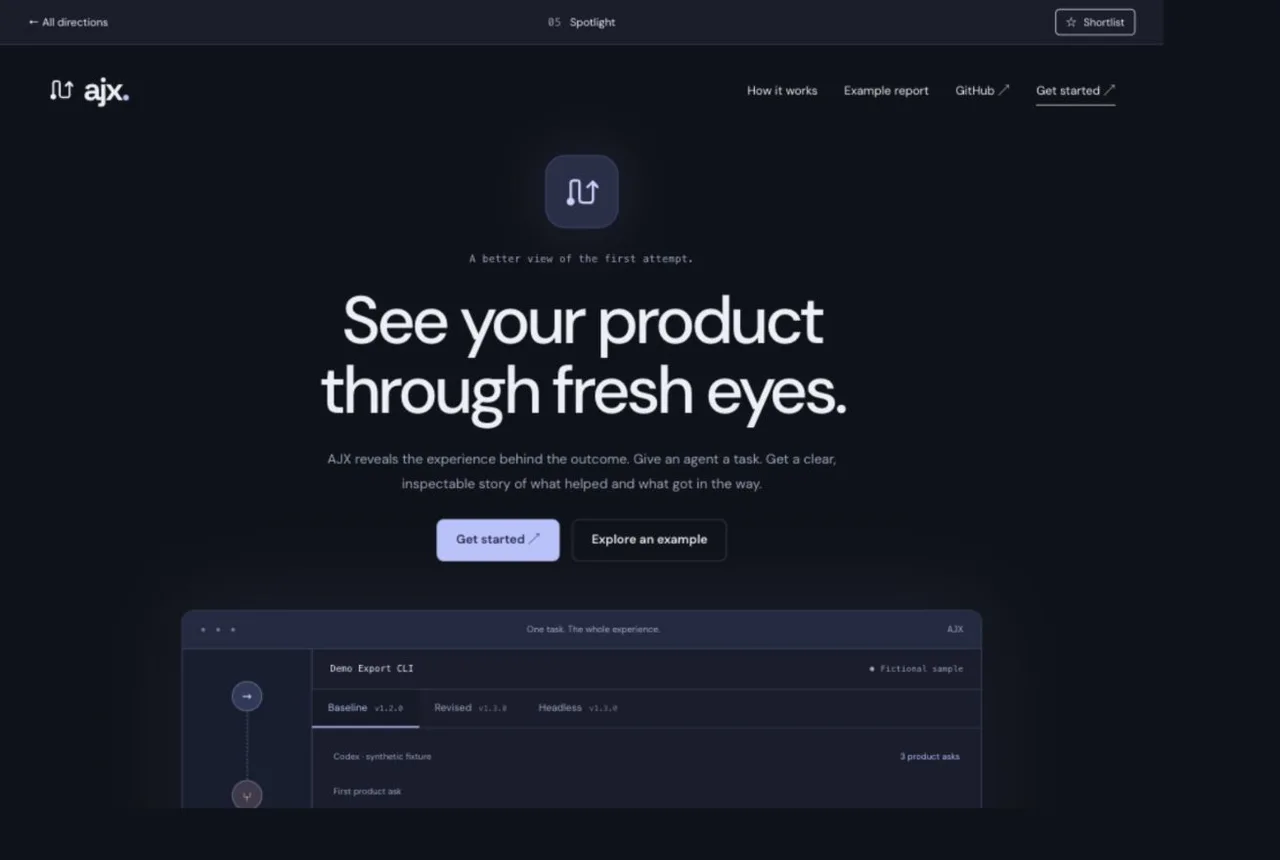
05Focused. Polished. Product-led.
 Explore the website ↗
Spotlight
GhosttyProduct spotlightFocused
AJX reveals the experience behind the outcome. Give an agent a task. Get a clear,
inspectable story of what helped and what got in the way.
One focused product demo makes the value immediately visible.
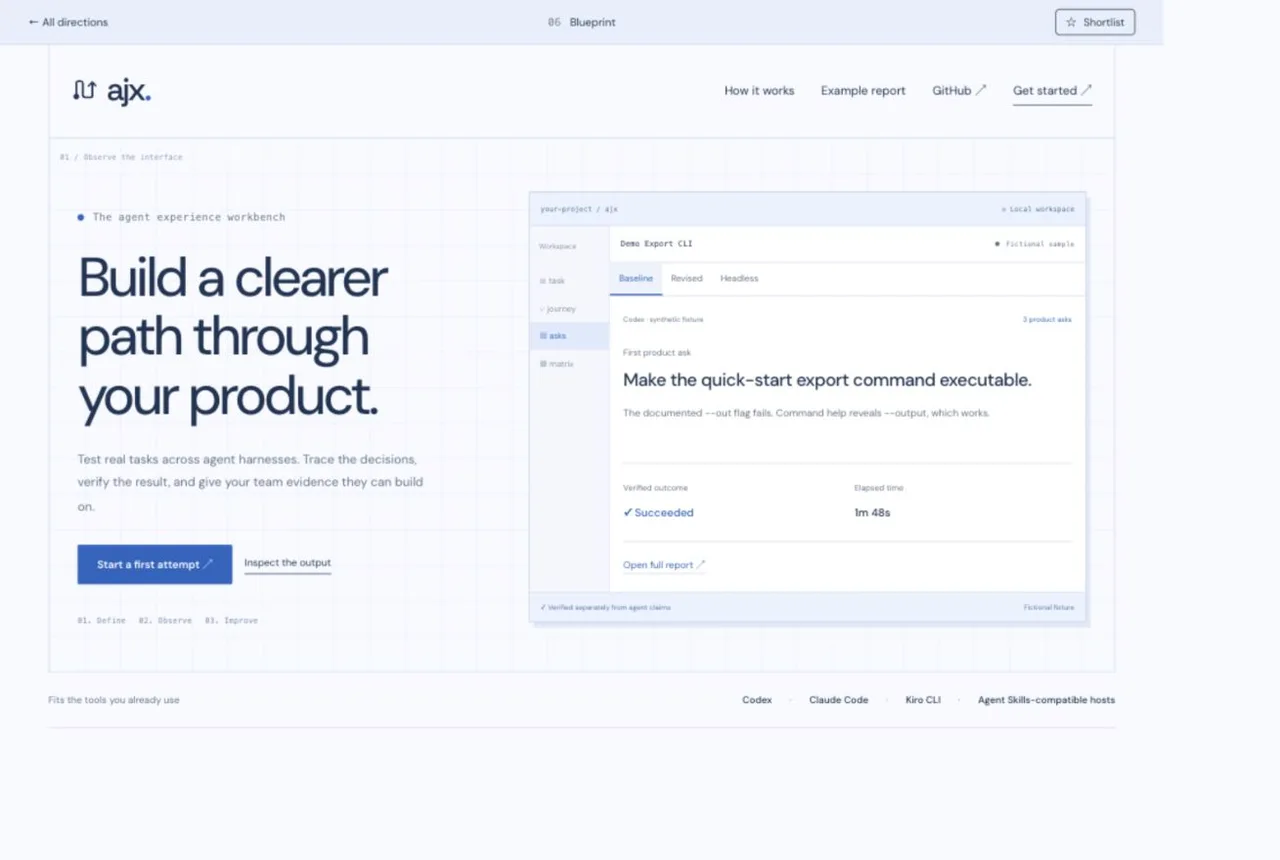
06Structured. Open. Technical.
 Explore the website ↗
Blueprint
ZedTechnical gridPrecise
Test real tasks across agent harnesses. Trace the decisions, verify the result, and give
your team evidence they can build on.
An open, technical workspace for understanding every decision.
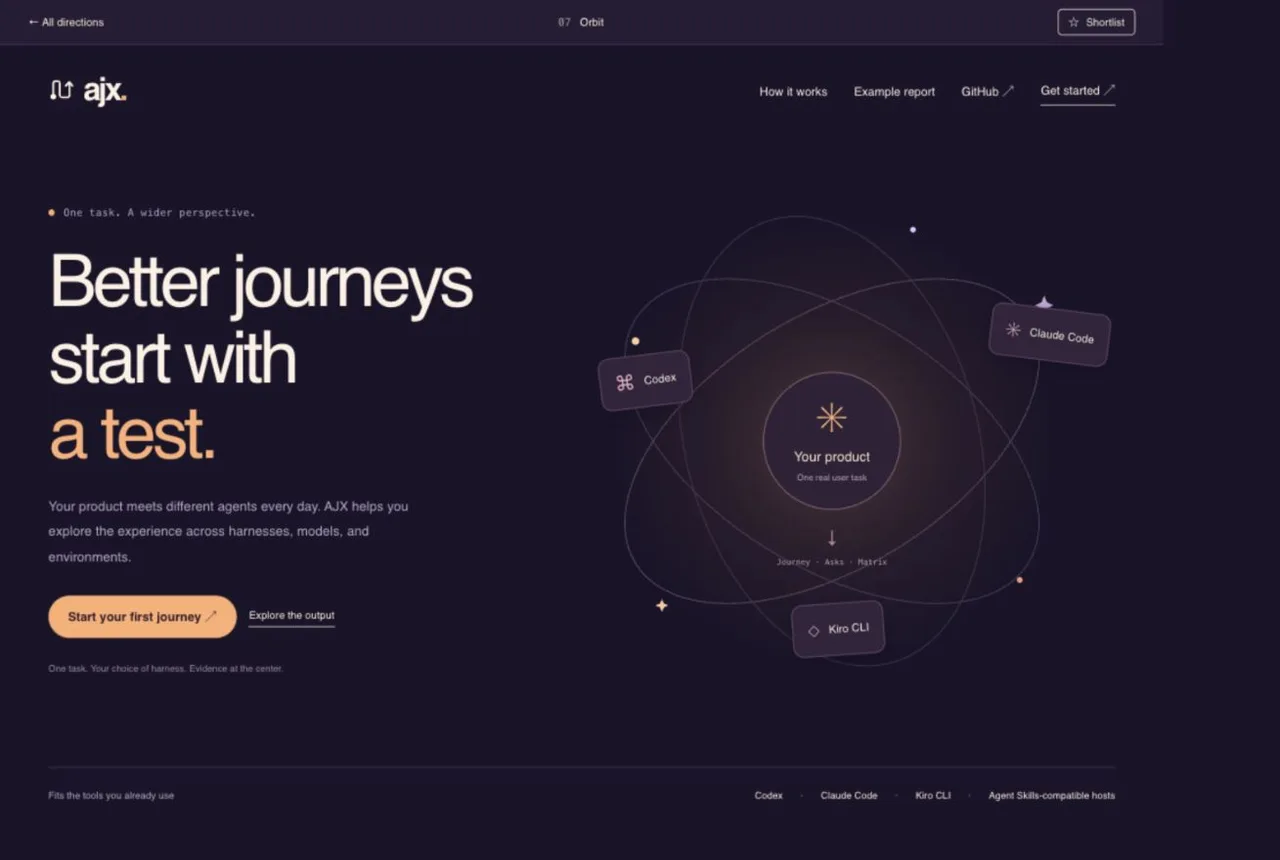
07Expansive. Warm. Exploratory.
 Explore the website ↗
Orbit
AstroExpansiveExploratory
Your product meets different agents every day. AJX helps you explore the experience
across harnesses, models, and environments.
An expansive visual story about one product meeting many agents.
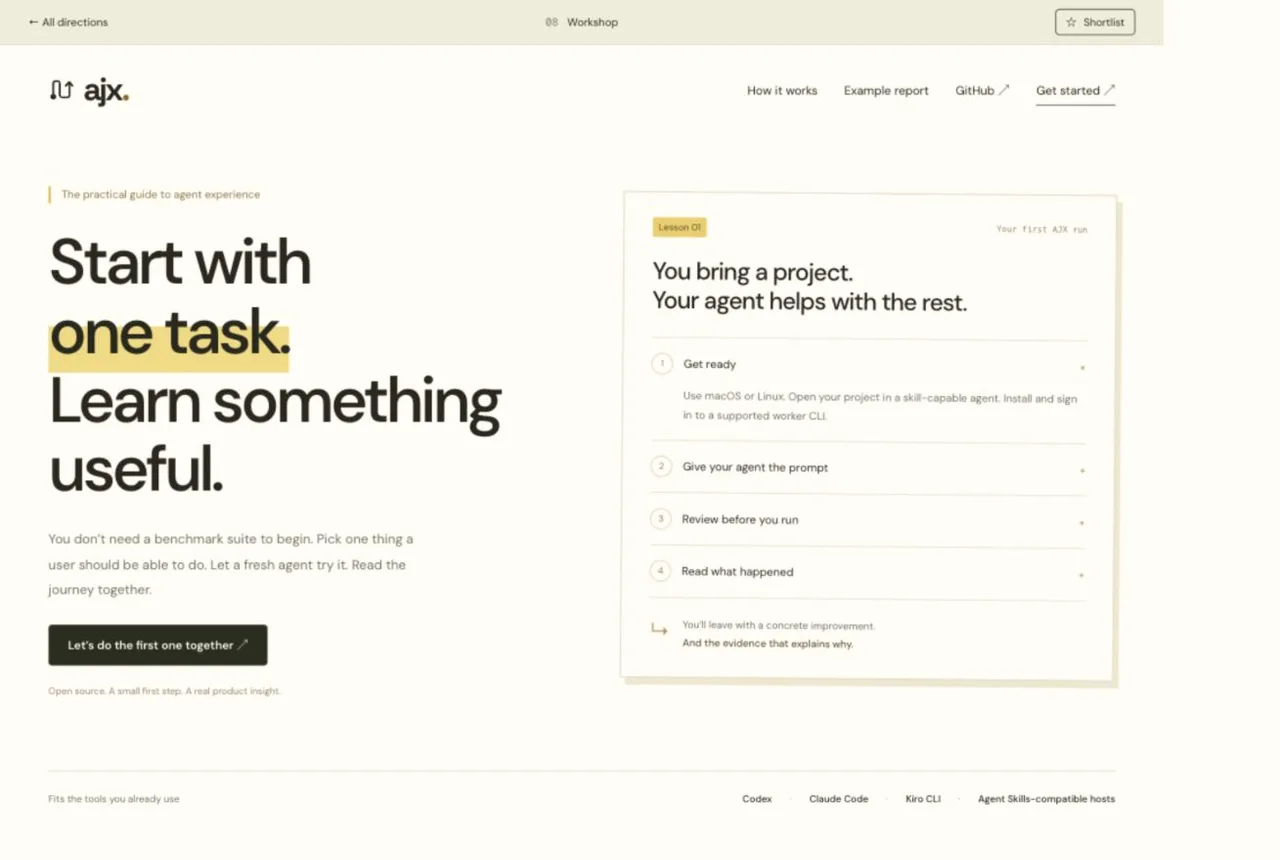
08Practical. Personal. Teachable.
 Explore the website ↗
Workshop
AI HeroGuided workshopPractical
You don’t need a benchmark suite to begin. Pick one thing a user should be able to do.
Let a fresh agent try it. Read the journey together.
A guided first-run lesson with prerequisites and outcomes in plain sight.
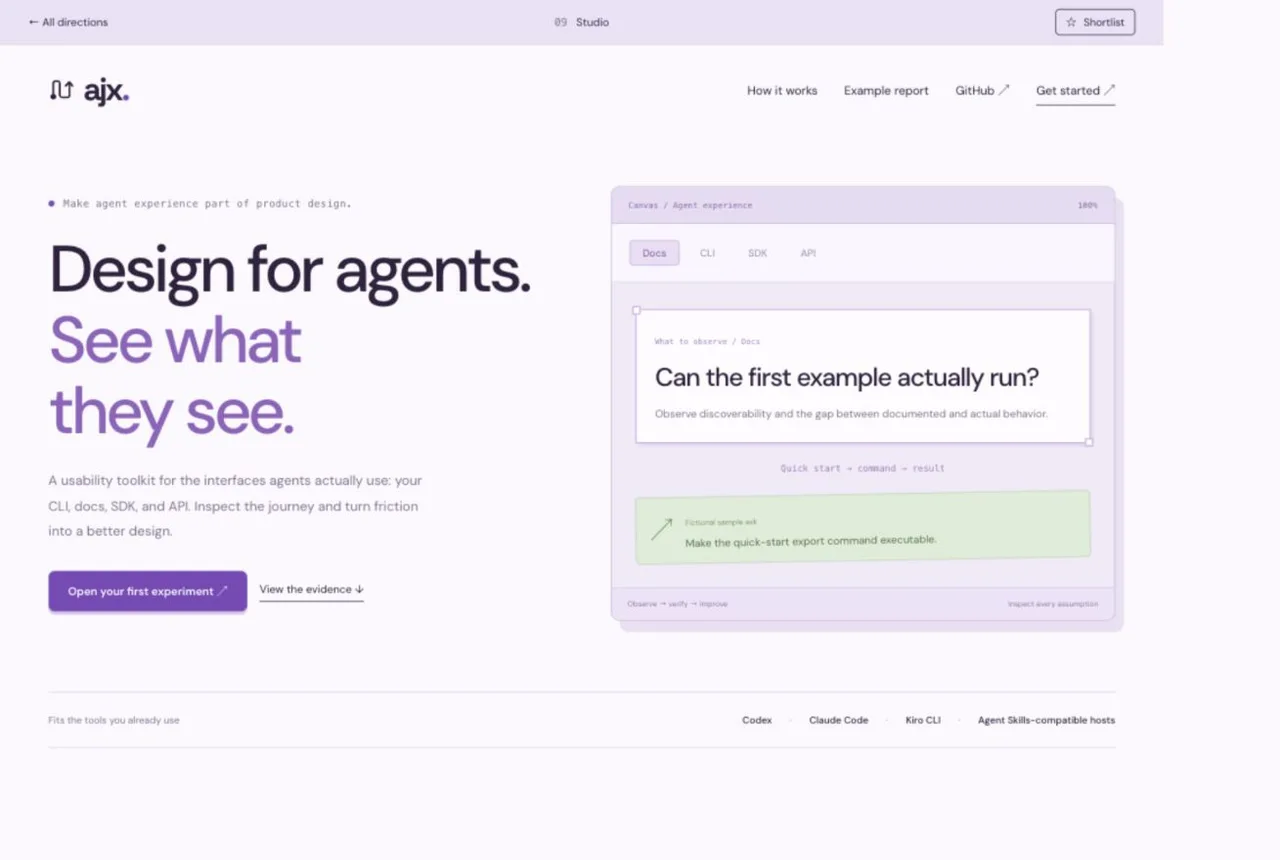
09Visual. Systematic. Adjustable.
 Explore the website ↗
Studio
UI UX Pro MaxDesign systemVisual
A usability toolkit for the interfaces agents actually use: your CLI, docs, SDK, and
API. Inspect the journey and turn friction into a better design.
A visual workspace connecting product decisions to observed friction.
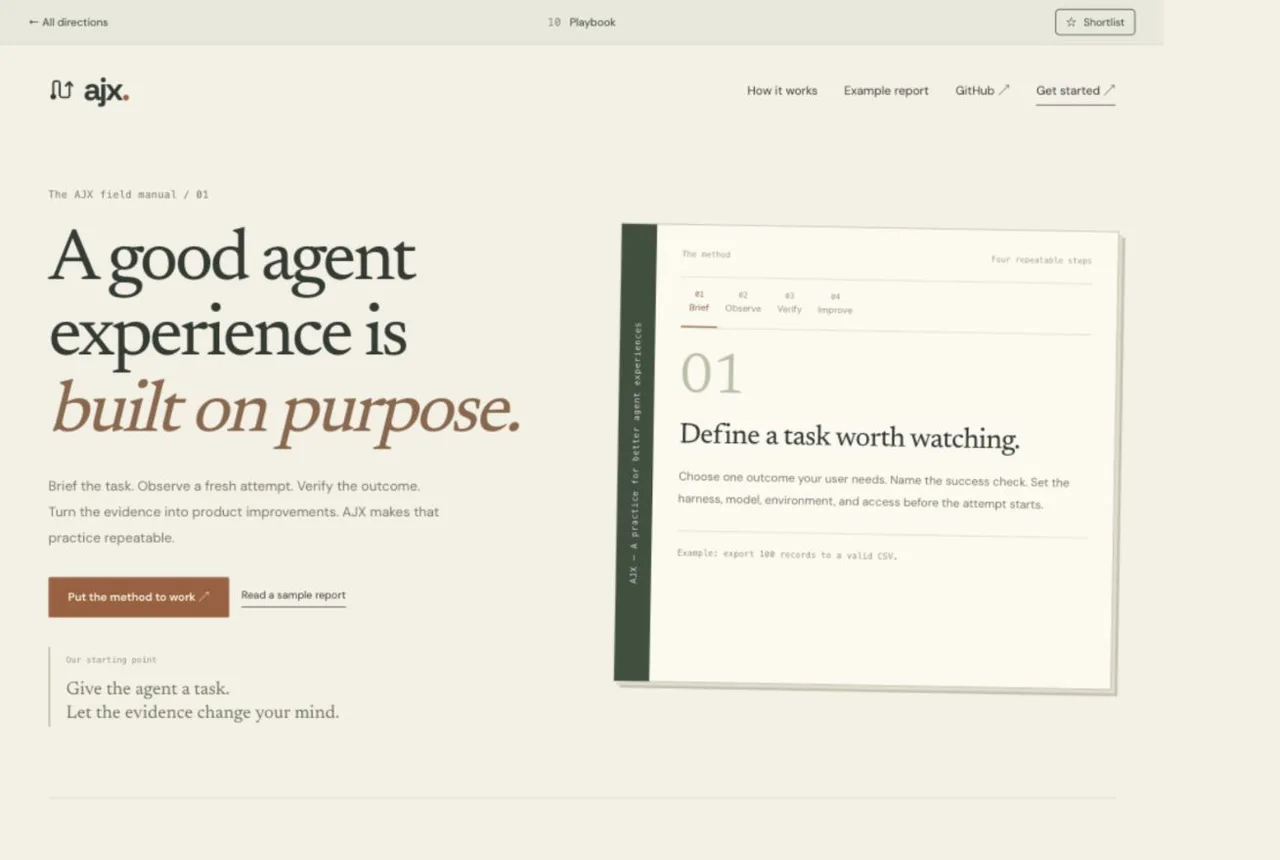
10Methodical. Grounded. Trusted.
 Explore the website ↗
Playbook
SuperpowersProcess-ledGrounded
Brief the task. Observe a fresh attempt. Verify the outcome. Turn the evidence into
product improvements. AJX makes that practice repeatable.
A clear, inspectable method that teams can repeat and refine.
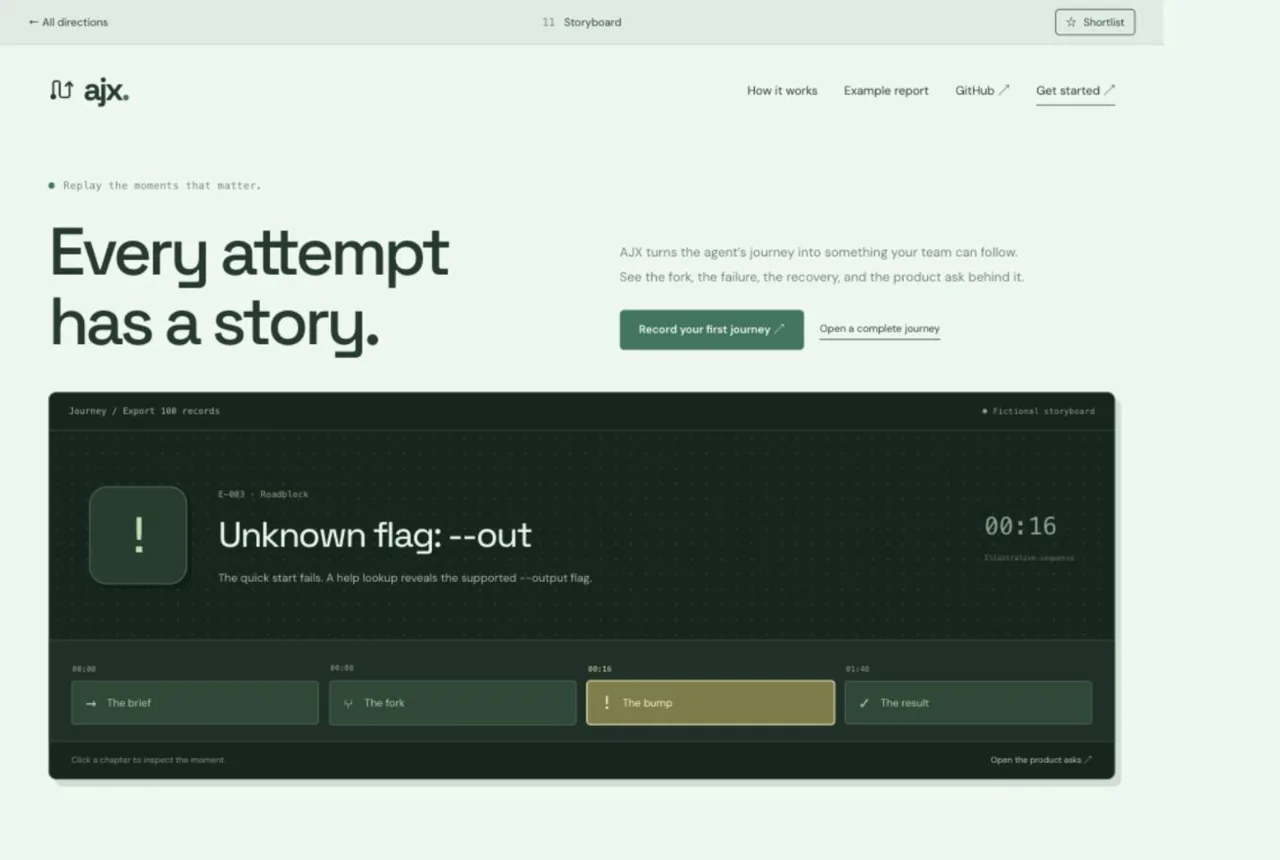
11Sequential. Vivid. Inspectable.
 Explore the website ↗
Storyboard
RemotionTimelineSequential
AJX turns the agent’s journey into something your team can follow. See the fork, the
failure, the recovery, and the product ask behind it.
An interactive storyboard puts the sequence of events front and center.
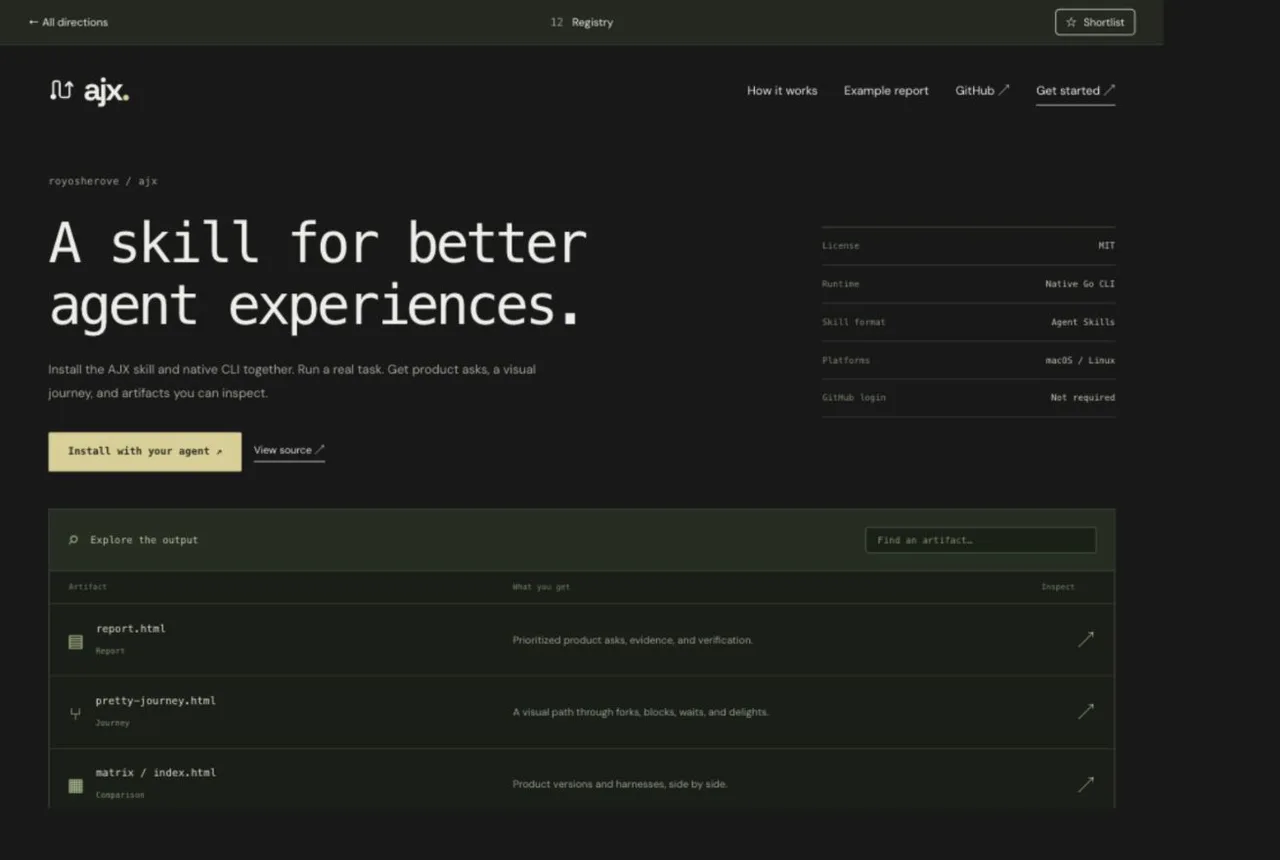
12Compact. Searchable. Useful.
 Explore the website ↗
Registry
skills.shDirectoryCompact
Install the AJX skill and native CLI together. Run a real task. Get product asks, a
visual journey, and artifacts you can inspect.
Everything you need, arranged as a compact and searchable tool directory.